Life pro tip: a Steam Deck can be a bluetooth speaker
Bluetooth headphones are great, but they have one main weakness: they can only get audio streams from a single device at a time. Facts and Circumstances™️ mean that I have to have hard separation of personal and professional workloads, and I frequently find myself doing both at places like coworking spaces.
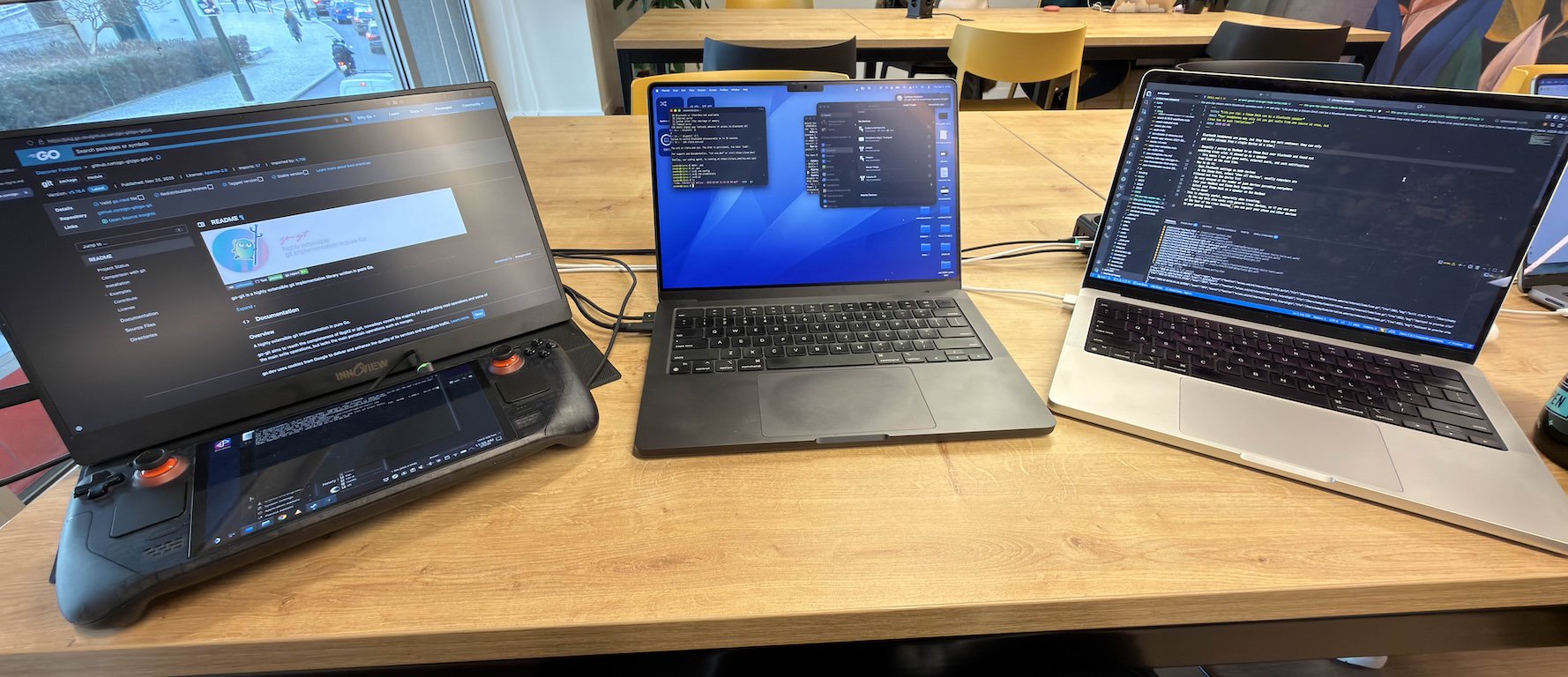
Often I want to have all of these audio inputs at once:
- Notifications from games on my Steam Deck (mostly FFXIV)
- Notification sounds from Slack at work
- Music on my personal laptop
- Anything else from my phone
When I'm in my office at home, I'll usually have all of these on speaker because I'm the only person there. I don't want to disturb people at this coworking space with my notification pings or music.
Turns out a Steam Deck can act as a BlueTooth speaker with no real limit to the number of inputs! Here's how you do it:
- Open Bluetooth settings on the Steam Deck and device you want to pair.
- Look for the name of your laptop on the Steam Deck or Steam Deck on your laptop. This may require you to "show all devices" as usually the UI wants to prevent you from pairing a laptop to another computer because this normally doesn't make sense.
- Pair the two devices together and confirm the request on both sides.
- Select your Steam Deck as a speaker on your laptop.
- Max out the volume on the laptop and control the volume on the deck.
This is stupidly useful. It also works with any Linux device, so if you have desktop Linux on any other machines you can also use them as speakers. I really wish this was a native feature of macOS and Windows. It's one of the best features of desktop Linux that nobody knows about.